

Choosing a Mailchimp list cleaning tool: what to look for
Email verifiers, CSV scripts and automated cleaners solve different problems. Seven questions to ask before you let any tool touch your Mailchimp audience.

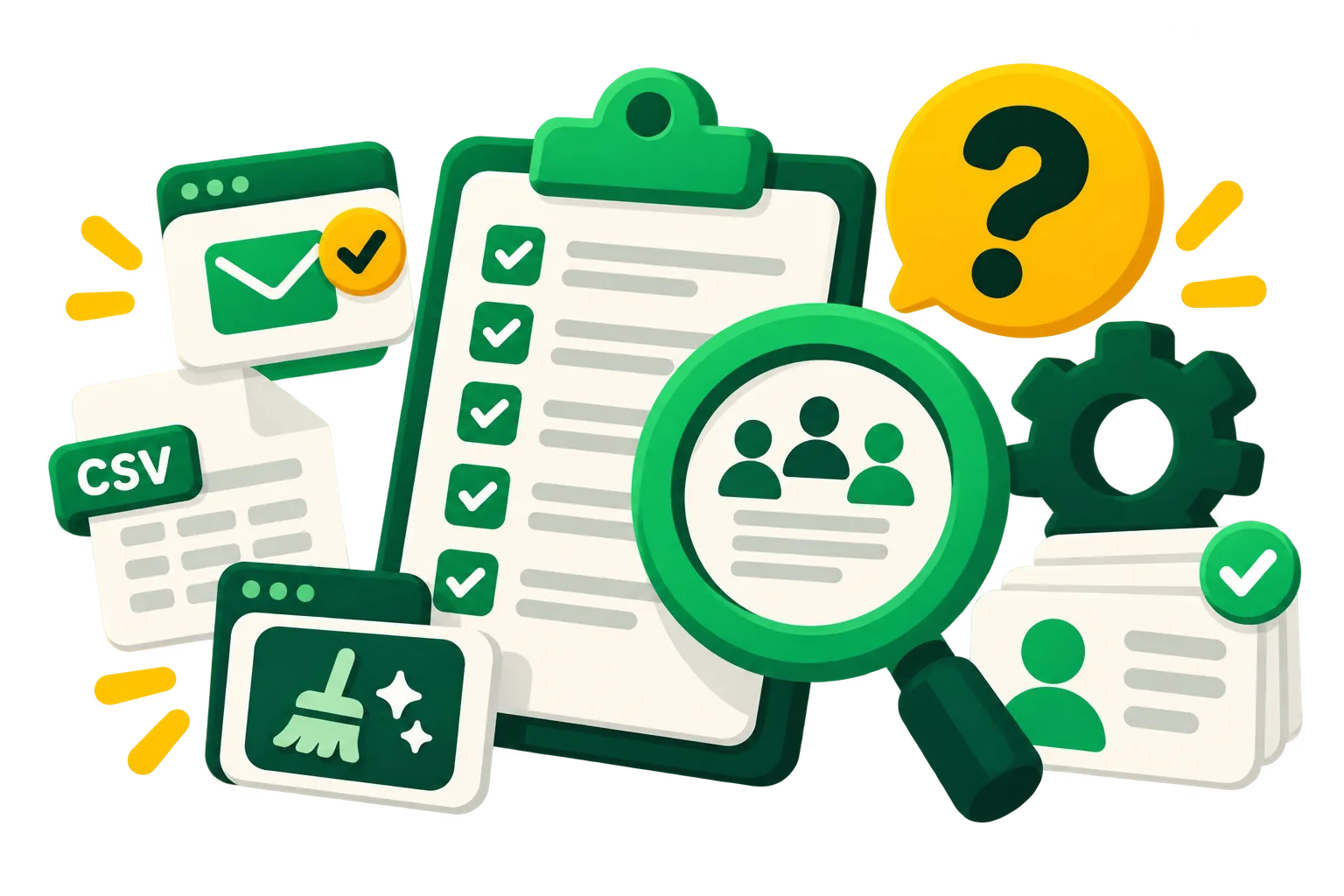
“List cleaning” covers two different jobs. Email verification checks whether an address exists and can receive mail. Engagement cleaning decides which real, working addresses you should stop paying for and stop mailing. Most Mailchimp bills are inflated by the second kind, and a verifier won't touch them.
1. Does it use engagement, or only address validity?
A verifier will happily confirm that an address that hasn't opened, clicked or bought in three years is valid. It is. You're still paying for it. Look for a tool that reads activity: clicks, purchases, Mailchimp's member rating and signup age.
2. Does it rely on opens?
Some email apps open every message automatically for privacy, so open data overstates engagement. A good cleaner lets you lean on clicks and orders instead.
3. Does it archive or delete?
Archiving removes contacts from your bill and keeps their history; deleting throws the history away. Prefer a tool that archives and can restore.
4. Can you preview and approve?
You should see exactly who matches your rules, and what they cost, before anything changes. Read-only audits and an approval step are the difference between a cleanup and an accident.
5. Does it protect the people who matter?
New subscribers need time to settle in, and your best customers shouldn't be removed because they skipped a few newsletters. Look for built-in protections for recent signups, VIP tags and high spenders.
6. Does it work inside Mailchimp, or through CSV exports?
Exporting, cleaning a spreadsheet and re-importing is slow and easy to get wrong. A tool that connects through Mailchimp's official API and OAuth works on the live audience and keeps a log of every change.
7. Does it keep working after the first run?
Lists decay every week. A one-off cleanup helps for a few months; a scheduled one keeps the bill and the engagement where you want them.
acadion was built around these questions: engagement-based rules, archive instead of delete, a read-only audit first, protections for new and valuable contacts, and monthly runs. See it on your own account.
Keep reading
 How to clean up your Mailchimp audience, step by stepA practical checklist to clean a Mailchimp list: back it up, clear unsubscribed and duplicate contacts, archive the inactive ones safely, and keep it clean every month.Ruth Williams ·
  How to archive contacts in Mailchimp, including in bulkStep by step: archive one contact, a whole group or every unsubscribed contact in Mailchimp, find them later, bring them back, and do it through the API.Ruth Williams ·