

How to clean up your Mailchimp audience, step by step
A practical checklist to clean a Mailchimp list: back it up, clear unsubscribed and duplicate contacts, archive the inactive ones safely, and keep it clean every month.

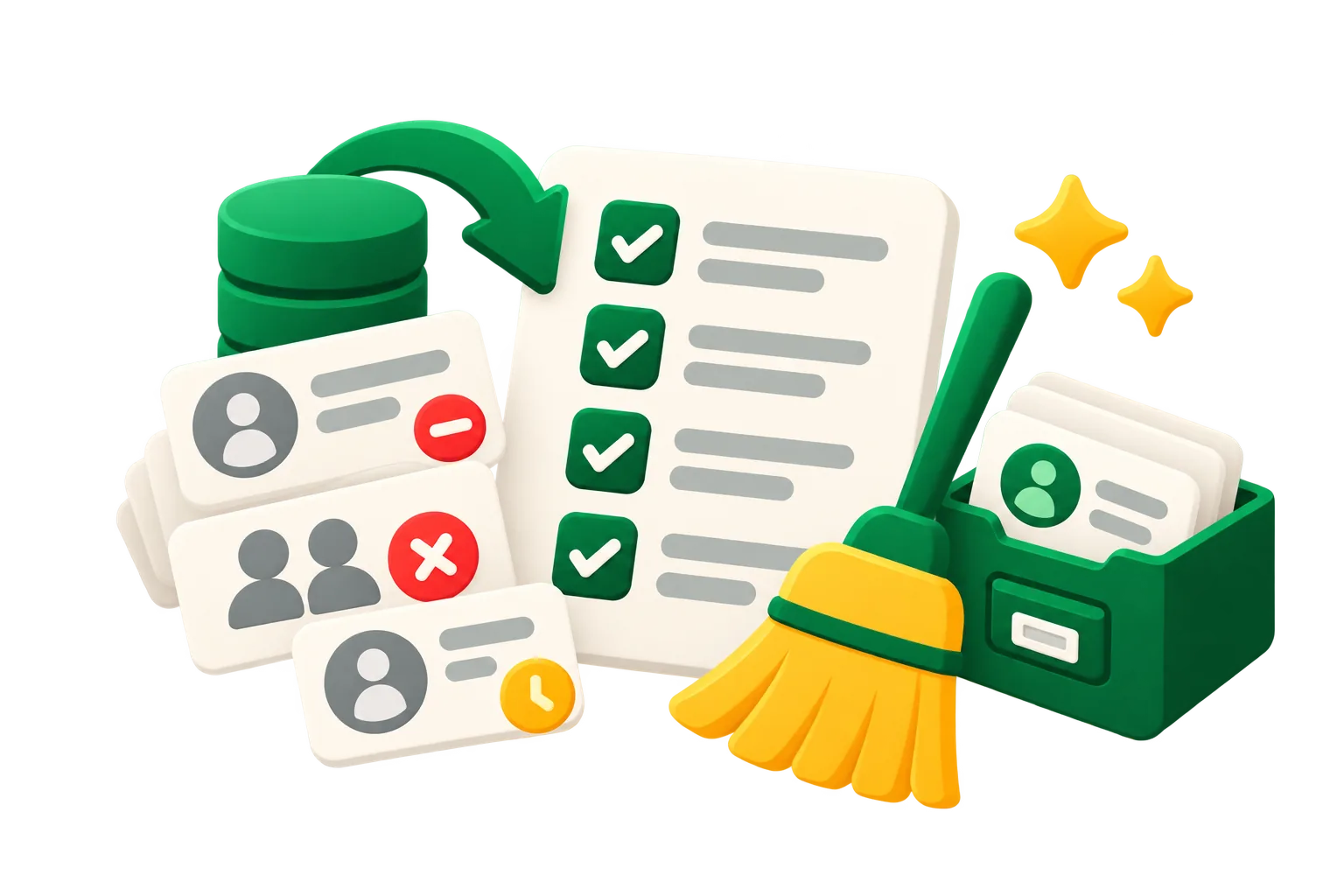
Cleaning a Mailchimp audience means taking out the contacts that cost you money and hurt your delivery, without losing anyone who still reads or buys. Follow these steps in order: the safe, obvious ones first.
1. Export a backup
Export the whole audience to a CSV before touching anything. If you archive (not delete) you won't need it, but it's your record of where you started.
2. Archive unsubscribed contacts
They can't receive campaigns and they still count toward your plan. Filter by status Unsubscribed, select all, archive. See how to archive in bulk.
3. Review non-subscribed contacts
Stores and integrations add buyers as non-subscribed. You can't email them campaigns without consent, but they count. Archive them unless you use them for ads audiences or transactional flows.
4. Remove duplicates across audiences
The same email in two audiences is billed twice. Keep the copy in the audience you actually use and archive the others.
5. Check the cleaned list for typos
Cleaned contacts don't cost anything, but a typo like gmial.com can hide a real customer. Fix the ones that matter by asking them to sign up again. More in what cleaned means.
6. Find the inactive ones, by clicks and purchases
The big saving is people who haven't engaged in a long time. Use clicks and purchases over the last 12 months to decide, not opens alone: Apple Mail and some security filters open every message automatically, so opens overstate activity.
7. Protect who must stay
Leave out new subscribers (give them a couple of months), anyone who bought recently, VIPs and contacts with a high member rating. A cleanup that removes a customer costs more than it saves.
8. Try one last email, then archive
Send the inactive group a short re-engagement email. Whoever clicks stays; the rest you archive with a dated tag, so you can restore them later. Our guide to sunsetting inactive subscribers covers the details.
9. Make it monthly
Lists decay all the time: people change jobs, abandon inboxes, stop reading. A one-off cleanup is undone in a few months. Repeat the same rules every month and the count, the bill and your delivery stay where you want them.
acadion runs this checklist for you on a schedule, with your rules and protections, and every archived contact can be restored in one click. See what a cleanup would do with a free audit.
Keep reading
 How to archive contacts in Mailchimp, including in bulkStep by step: archive one contact, a whole group or every unsubscribed contact in Mailchimp, find them later, bring them back, and do it through the API.Ruth Williams ·
  Mailchimp contact limits: what counts, and what happens when you go overEvery Mailchimp plan has a contact limit. Which contacts count toward it, whether archived and cleaned ones do, and what happens when you pass it.Ruth Williams ·